

The latest trainings
Switching Power Supply Repair | Power Tester Guide
15
Dec
Dec
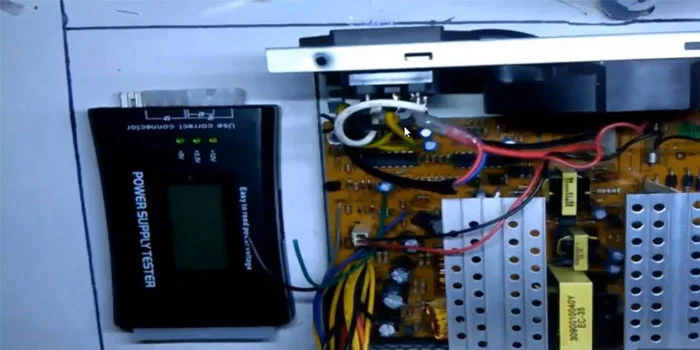
Switching power supplies, especially computer power supplies, must always provide accurate output voltages. However, even these precise power supplies can develop issues over time. In this tutorial, we focus on troubleshooting a switching power supply. You will learn how to power on a switching power supply and measure its output voltages using a power tester.
Common ATX Switching Power Supply Failures:
-
No output or PSU won’t start
-
Overvoltage or undervoltage on 12V, 5V, or 3.3V rails
-
Blown fuses or damaged MOSFETs
-
Faulty capacitors causing unstable voltages
-
Overheating due to fan failure or dust buildup
-
Short circuits on connected devices
-
Ripple noise affecting sensitive electronics
